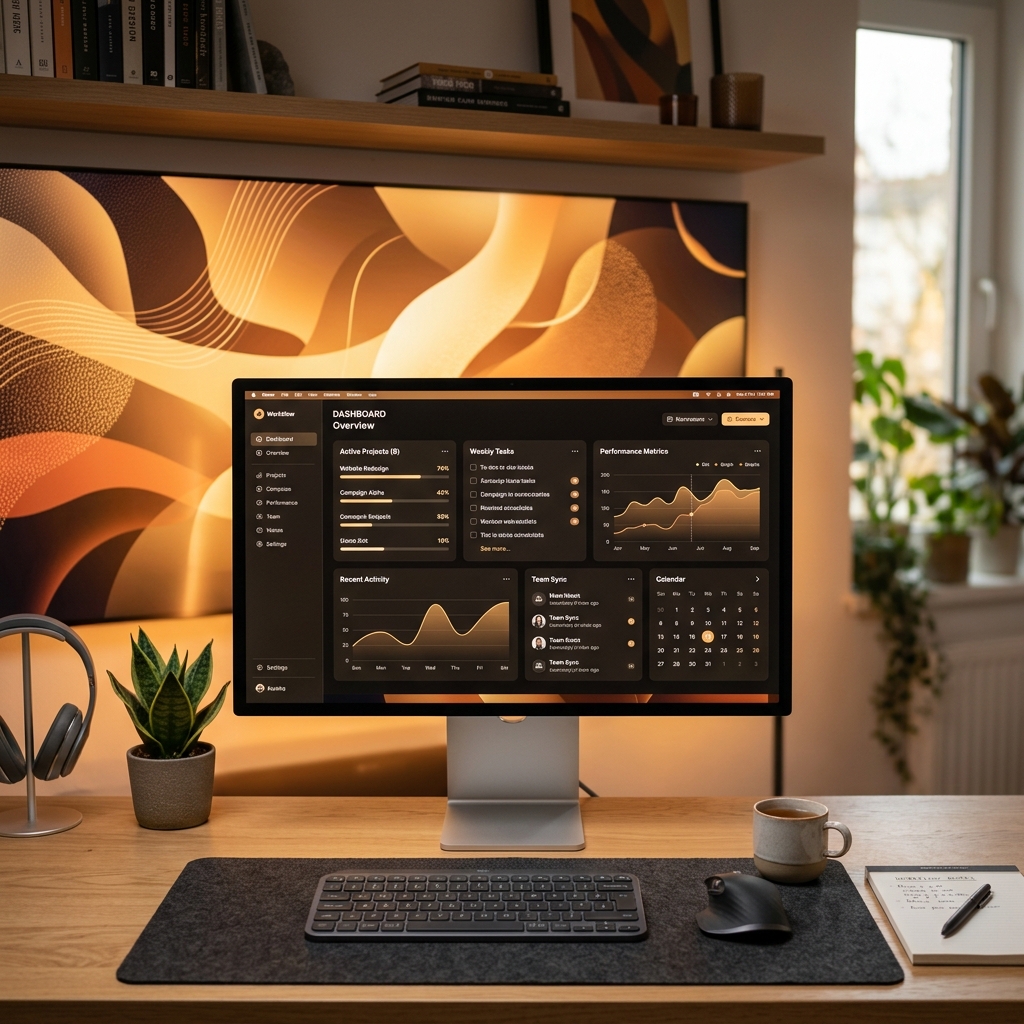
Designing the Ultimate Gaming Setup for Low Latency and Peak Comfort
Ergonomics, monitors, direct LAN routing, and room layout. Learn how to configure your physical and network environment for maximum response time.
StrikeZone helps gamers ensure a stable, low-jitter, and low-latency internet connection. Isolate local line faults from ISP outages in 12 seconds.
Idle - Ready to test
Download
-
Upload
-
Traditional speed tests only measure raw bandwidth over TCP. StrikeZone tests true UDP line quality, packet delay variations, and bufferbloat to diagnose your game latency.
Get precise download, upload, ping, and jitter results you can count on, measured directly in your browser.
Monitor your connection quality over time and identify underlying packet latency anomalies affecting your gaming response times.
Stateless design requires no installation. Diagnose connection performance from your home, gaming room, or LAN party instantly.
Ensure your connection is ready to handle Discord calls, competitive lobbies, and cloud gaming streams with zero stutter.

Optimized for players of
Track your most important packet metrics at a glance. Standard tests measure raw speed, but StrikeZone isolates RTT stability, jitter anomalies, and server-side packet dropouts before they impact your game.
Measures the millisecond variance between packet arrivals. Keep under 3ms for fluid movement.
Stateless telemetry logs compare your hop latency to community averages instantly.
Monitors real-time WebRTC packet dropouts. Even 0.5% packet loss causes noticeable rubber-banding.
Identifies latency spikes occurring when other users download files or stream 4K video on your network.
StrikeZone generates structured, copy-pasteable telemetry cards optimized for Discord channels, gaming forums, and technical ISP support tickets.
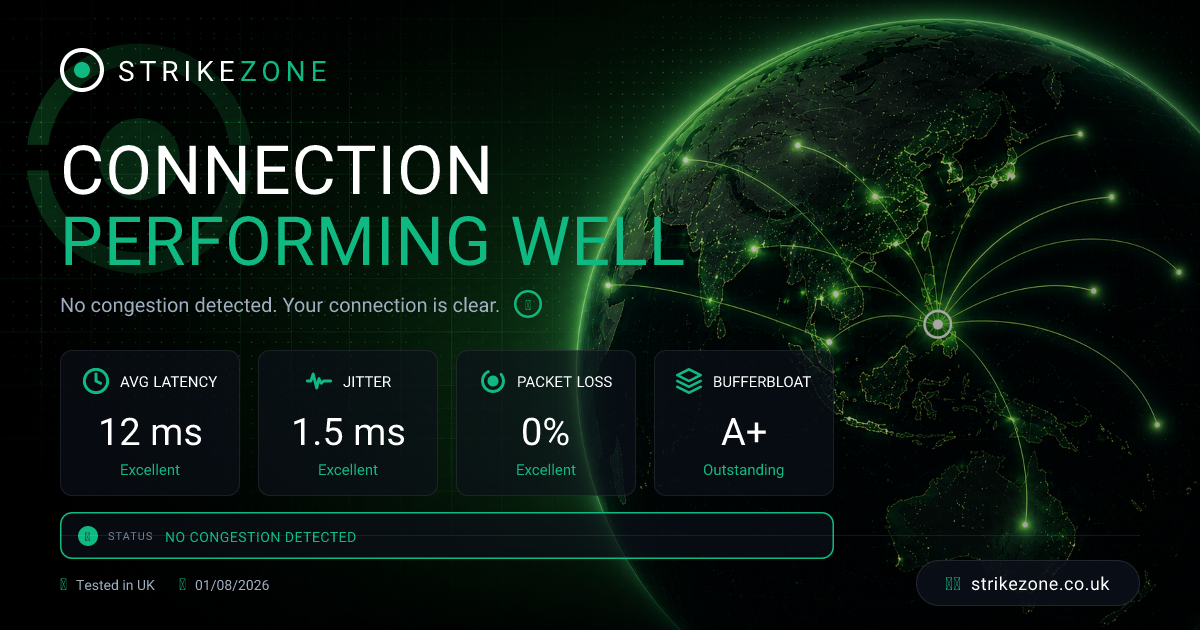
When your connection is flawless, let the lobby know. Copy a clean, styled status badge to share on Discord or clan forums. Show off low ping, zero jitter, and an A+ bufferbloat grade.
When your connection is degraded, don't waste hours explaining it. Copy a structured, diagnostic markdown report containing WebRTC metrics, region data, and ISP details to paste directly into your ISP's support ticket or forum.
Tired of your ISP's customer support agent claiming "everything is completely fine on our side" when you can clearly feel packet loss and ping spikes? Log your network results, build a telemetry ticket, and request tier-2 engineering review with validated diagnostic details.
Stability Trend
Line Congestion Status
Learn how to bypass ISP throttling, configure smart routing queues, and optimize your local hardware for zero-jitter multiplayer gaming.
Ergonomics, monitors, direct LAN routing, and room layout. Learn how to configure your physical and network environment for maximum response time.
How network jitter affects hit registration and positioning data. Learn how games handle tick rates and reconcile client-side telemetry.
Large household downloads and streaming shouldn't ruin your match. Here is a step-by-step guide to setting up Smart Queue Management on your router.
Measuring real-time RTT ping, packet jitter variance, loss, and bufferbloat under active gaming network simulation...
Avg. Latency
0 ms
Jitter
0 ms
Packet Loss
0 %
Bufferbloat
-
Could not establish a UDP link. Please ensure your network allows outgoing UDP traffic.
Your home router or WiFi is struggling. Your internet provider connection is healthy, but expect stutters in voice chat and in-game rubber-banding until you restart your router.
Real-time test from your device
Avg. Latency
0ms
Jitter
0ms
Packet Loss
0%
Bufferbloat
-
Latency Fluctuation Profile
Diagnostic Server
Cloudflare Edge Endpoint
Download
0.00 Mbps
Upload
0.00 Mbps
Live status from BT Broadband
No active incidents reported in your regional zone.
Updated: -
To view active engineering works, regional outages, or report a line fault directly, check the official status tracker.
Visit Official Status Page